Looking for a better alternative to Qonto?
Spendesk and Qonto are both European platforms built to help businesses manage their finances, but they start from different places. Qonto is a business banking solution with spend management features built on top. Spendesk is a dedicated spend management platform designed for finance teams that need granular controls across cards, expenses, invoices, and purchase orders. The right choice depends on whether your primary need is a business bank account or a finance control layer for a growing team.
)
TRUSTED BY THOUSANDS OF FINANCE TEAMS AND EMPLOYEES!


Credible enough for finance.
Practical enough for the business.
That matters because the best finance process is not just controlled. It is actually used.


















How Spendesk compares with Qonto

Key differences between Spendesk and Qonto
Both Spendesk and Qonto help businesses move away from manual processes — but they cover different ground. Evaluating which fits your organisation comes down to a few key questions: what is your primary need, how much control does your finance team require, and how complex are your approval and invoicing workflows?

Business banking vs. spend management
Qonto is a licensed business bank: it provides IBANs, business accounts, payment acceptance (Tap to Pay, POS terminals, payment links), and basic spend tools. Spendesk is not a bank — it is a spend management platform built for finance teams, offering deep controls over how money leaves the organisation across cards, expenses, invoices, and purchase orders.
Spend controls and approval workflows
Spendesk includes multi-step, fully configurable approval workflows across all spend types — cards, expenses, and invoices — as part of its core product. Qonto's advanced spend controls (approval workflows, card restrictions by category, missing receipt enforcement) require the Team Spend Controls add-on, priced at €39/month on an annual subscription on top of the base plan.
Accounts payable
Spendesk's AP module covers the full invoice lifecycle: submission, AI-powered data extraction, automated coding, purchase order matching, and a centralised view that captures all invoices including those settled outside the platform. Qonto offers invoice processing and OCR scanning, with AP features distributed across plan tiers and add-ons.
Subscription management
Spendesk provides dedicated recurring virtual cards — one card per vendor — with a monthly budget and automatic reload, giving finance full visibility and control over recurring spend. Qonto launched a subscription tracking dashboard in June 2025 to surface recurring charges, but does not offer a card-per-subscription model.
Spendesk vs Qonto pricing
Understanding the full cost of each platform matters — especially once you factor in add-ons.
Qonto's pricing model
Qonto charges a flat monthly subscription starting at €49/month (Basic) up to €199/month (Enterprise). However, key spend management features sit behind paid add-ons: the Team Spend Controls add-on (approval workflows, advanced card settings, auto-block for missing receipts) costs an additional €39/month on an annual plan or €49/month monthly.
Spendesk's pricing model
With Spendesk's modular pricing, you pay for what you need. Start with Foundations and add modules as your business grows.
What to consider when comparing costs
When evaluating total cost, factor in: which spend management features you need and whether they are included in the base plan or require an add-on, the number of users and entities you manage, and whether the platform covers your full workflow — or whether gaps will require additional tools.
Which should I choose: Spendesk or Qonto?
Spendesk may be better suited to you if:
Advanced spend controls without add-ons: You need approval workflows, card restrictions by category, and missing receipt enforcement included in your base plan — without paying extra per feature.
Full procure-to-pay management: Your finance team manages purchase orders, supplier invoices, and expense reimbursements and needs a centralised view of all spend, including invoices settled outside the platform.
Multi-entity operations: You operate across multiple legal entities and need consolidated reporting and entity-level spend controls without manual reconciliation.
Qonto may be better suited to you if:
You need a business bank account: You want a fully licensed business bank with an IBAN, business account, and integrated payment acceptance alongside basic spend tools.
You accept payments from customers: Qonto offers payment collection features (payment links, SDD collection, Tap to Pay) that Spendesk does not provide.
You are a freelancer or very small business: Qonto's entry plans are designed for sole traders and small teams that need banking and basic expense tracking in a single app.
Information is based on publicly available Spendesk and Qonto product features as of September 2026.
In a fast paced innovative company, where the only constant is change, Spendesk works very well.

Control spend before it happens
Hands-on implementation support, dedicated customer success, and a team that helps you launch fast and scale smoothly. We've onboarded thousands of European finance teams in weeks, not months, and we know how to adapt to any kind of complexity.
100%
Visibility on all purchase requests, from submission to approval
80%
Less back and forth with automated workflows and approvals
50%
Faster procurement cycles from vendor onboarding to payment
One tool to manage all business spending
From approvals to accounting, Spendesk has you covered.

Approval and policies

Team budgets

Invoice payment

Expense tracking

Virtual & physical cards

Spending reports

Pre-accounting automation
Make a seamless transition
Switching spend management platforms shouldn't hold you back. We're here to make the move simple, fast, and painless.
Dedicated onboarding and implementation support
Your dedicated Onboarding Manager works with you to define your timeline and guides you through every step, from initial setup to go-live. Typical onboarding takes 1 to 3 weeks, depending on your requirements.
Multilingual, in-house support team
Get help from our multilingual, in-house experts via live chat and email. With a median response time of 5 minutes, instant support is always just a message away.
)
Built for UK finance teams
Spendesk has been built for European finance teams since 2016: as a profitable French unicorn and ACPR-licensed Payment Institution operating across all 30 EEA countries. More than 5,000 European companies rely on Spendesk to manage their spend, with €10 billion processed across France, Germany, the UK, Spain and beyond.
From France's e-invoicing mandate to the UK's Making Tax Digital, Spendesk is designed to meet the compliance, VAT, and accounting requirements of each market it operates in. ISO 27001:2022 certified, DORA compliant, and a certified Peppol Access Point, with native integrations for DATEV, Xero, Sage 100, NetSuite, Exact Online and more.
)
Even more reasons you’ll love Spendesk
Don't just track cards. Control complete spend, with a platform built for finance teams, not just card users.

Stop chasing receipts
Play By The Rules automates receipt collection with 98% capture rates. No more manual follow-ups or missing documentation at month-end.

Drive efficiency
Spendesk uses AI to predict cost centres, expense categories and analytical fields automatically. With Spendesk AI Connect, finance teams can query their spend data directly from their AI assistant — from approval to reconciliation.

Complete spend visibility
See all current and upcoming spend across every entity and department in real time, with dedicated multi-entity dashboards.

Budget ownership
Give teams budgets they can own while finance oversees everything, with automatic tracking and intelligent guardrails that prevent overspend.

Reimburse travel
Reimburse employees directly through Spendesk, with full visibility and compliance built in.

Office management
Capture regular and one-off purchases with smart controls that keep office spend within budget.
Clearer approval workflows and stronger policy controls
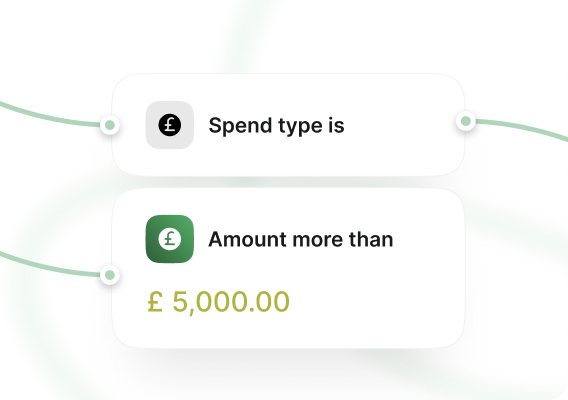
Spend policy that enforces itself
Set rules once and Spendesk enforces them automatically — blocking out-of-policy spend before it happens, not after.
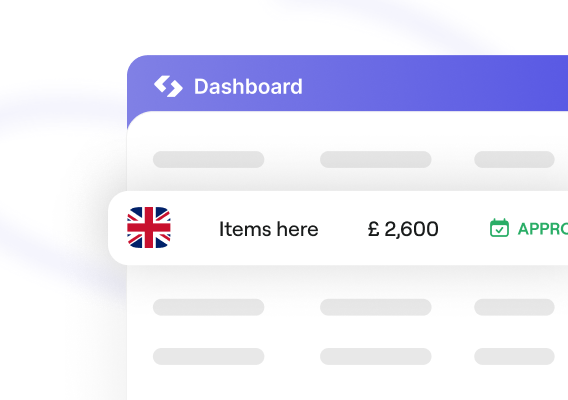
Multi-entity operations across Europe
Spendesk handles multi-entity operations across currencies and countries in one centralised platform — with consolidated reporting and entity-level spend controls, no manual reconciliation required.
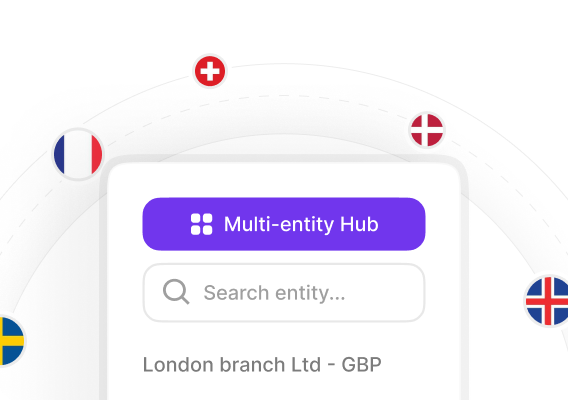
A complete spend operating model
Spendesk covers cards, expenses, approvals and procurement in one platform — replacing reactive clean-up with proactive spend oversight, across every team and entity.
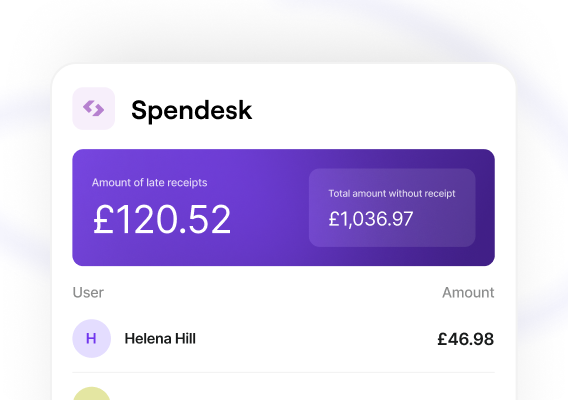
Qonto — FAQ
Spendesk offers a complete spend management platform with virtual and physical cards, automated expense reports, multi-level approval workflows, budget controls, and supplier invoice management, whereas Qonto focuses primarily on business banking and payments. Spendesk’s integrations with accounting software and real-time spend visibility centralize compliance and reconciliation for finance teams.
Spendesk can replace Qonto for company payments and cards by issuing spend-specific Smart Virtual Cards and physical cards with per-card limits, automated receipt capture, and approver rules. Spendesk also automates bookkeeping with transaction tagging and integrates with ERPs to enforce budgets, reducing manual reconciliation and improving control across business payments.
Spendesk’s main advantages over Qonto include centralized spend control with approval workflows, real-time dashboards for visibility, per-card budgeting, automated expense reporting, and supplier invoice automation. Spendesk’s policy enforcement, audit-ready reporting, and native integrations streamline month-end closing and reduce processing time for finance teams.
Spendesk integrates natively with Xero, QuickBooks Online, and NetSuite to automate reconciliation through transaction feeds, receipt capture, and exportable accounting journals. Spendesk’s receipt photo capture and matching feature attaches invoices to transactions, speeding up bookkeeping and reducing manual data entry for finance teams.
See how effortless spend control can be
Real-time tracking, automated alerts, and built-in controls that keep spending on budget without slowing teams down.